
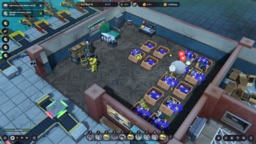
Assign a cat to the station your order needs
Select the worker, then use the station as the assignment target. In the illustrated demo, a cat at fishing catches fish and a cat at loading moves them toward shipping. Staff both jobs for a raw-fish line and watch the next delivery to see whether each station is working.
Use the cat’s information panel to match skills
The information panel shows a cat’s skills and needs. Check which tasks it is better suited to before moving it to a new role. Smola’s August update also redesigned the cat selection panel at the bottom of the screen.
Check why a workstation is unattended
The August update says cats remember their profession and return to their assigned work after an emergency or idle time. Check where the worker is and how it is doing when a station is temporarily empty. The store also recommends paying attention to the crew’s mood and cleanliness.