
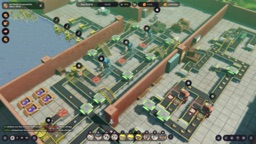
Rotate while the conveyor is in preview
Bring up the conveyor preview on the tile where you want it. The placement guides describe R as the shortcut for turning that preview. Use the visible direction indicator to check the result before confirming the placement.
Align the turn with the next connection
At a corner, check that the arrows lead onto the following segment. When the belt ends at a machine, check that the flow points toward the receiving port. Send an item through the connection before moving on to the rest of the layout.
Check the actions available on an installed belt
The reported shortcut applies to the placement preview. For an installed belt, inspect the actions the game offers for that belt in your build. The August 6 update added rotation, so an older demo video may show a different placement workflow. The August 18 demo capture is from after the update.