Flip the machine before building it
Bring up the machine’s preview where you want it on the floor. Use the mirror action shown for that preview and compare the flipped shape with the original. Focus on where the ports land before you commit to a layout. The August update added this action alongside the ability to rotate conveyors.
Make both ports reachable beside a wall
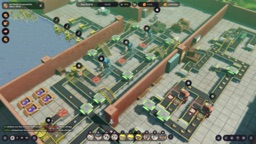
Mirroring can help when a machine is beside a wall or an existing line. Look for a position that leaves an incoming route to the inlet and room for an outgoing belt. Follow both routes while planning, since fitting one side can leave the other side facing an obstruction.
Check the connection with one item
Once the machine is installed, watch an item arrive and check where the output goes. If the item stops at the handoff, inspect the ports and belt direction at that spot. For a machine already placed, use the actions shown for it in your build.